It’s Time to Stop Thinking of Yourself as Non-Technical
Why that label is breaking down — and what’s replacing it.
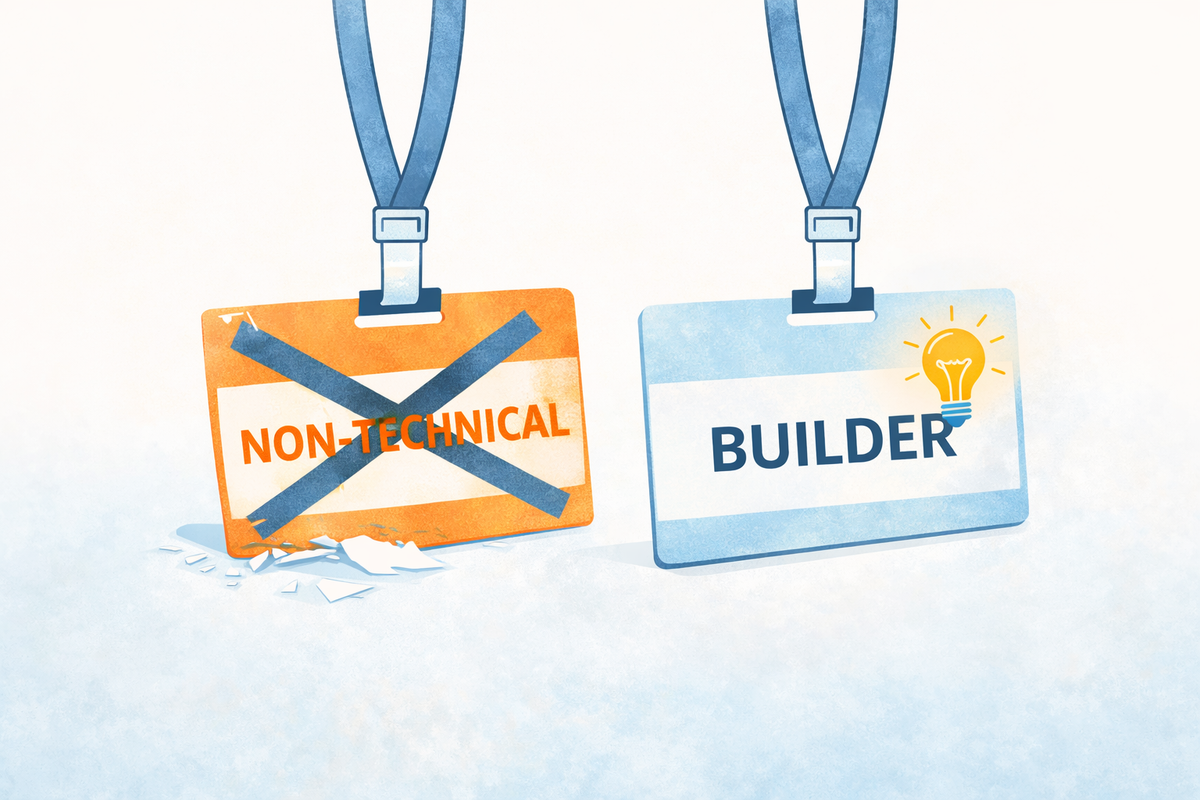
The World Just Changed. Again.
Something interesting is happening right now, and it’s moving faster than most people realize. AI has quietly lowered the barrier to building software to the point where the skill gap between a developer and a motivated non-technical person has never been smaller. Not gone — but smaller than it has ever been. And it’s shrinking on what feels like a weekly basis.
The work landscape is shifting with it. New skills are emerging, roles are evolving, and the people who lean into that tend to land in a stronger place than the ones who wait it out. And when the technical barrier drops, what rises to the top is the quality of your ideas — how sharply you see the problem and how well you understand the people you’re solving it for. Great ideas have always mattered — but until now, turning them into software required technical skills or the budget to hire someone who had them. That’s the gap that’s closing.
Vibe coding is one of the most practical new skills you can pick up right now — and the best way to stay close to how fast this is moving is to actually start building something. Not reading every newsletter or downloading every new tool, but rolling up your sleeves and making something real.
$5,000 vs. $100. One Day.
About a decade ago, I paid a developer $5,000 to build an online assessment called the Wheel of Life — a coaching tool that career and life coaches had traditionally used in paper format. I wanted to turn it into an app. It took months of back and forth, translating my vision through someone else, and a check that made me wince every time I thought about it.
Last year, I rebuilt the entire thing using vibe coding. It cost me about $100 and took one day.
That project has become my ongoing learning sandbox — the place where I’ve picked up most of what I know about this space. The site looks simple on the surface, but there’s a lot going on under the hood, and I still have features in the pipeline I haven’t published yet. It currently ranks number one on Google and gets around 10,000 visitors a month from all over the world — universities, trainers, coaches, people I’ll never meet who found something useful there.
I’m not telling you this to brag. I’m telling you this because I am not a developer. I never have been. And what started as a single learning project has opened doors I didn’t expect — I’m now tackling more complex problems in my day-to-day work that I simply could not have approached on my own before. Problems that used to require a technical resource, a budget conversation, and a lot of waiting. That part of the equation has changed. And if it changed for me, the question worth sitting with is: what could you build?
What Is Vibe Coding?
Vibe coding is building software by describing what you want in plain language and letting AI write the code for you. You are not the programmer — you are the director. The AI does the technical heavy lifting while you focus on the vision, the problem, and the outcome.
Think of it this way: coding used to require years of training just to get your first basic app off the ground. You needed to learn a programming language (or several), understand how databases work, figure out how to deploy your app so other people could access it, and debug the inevitable avalanche of errors along the way. The barrier to entry was high enough that most non-technical professionals simply never crossed it.
Vibe coding removes most of that barrier. You describe what you want to build, you iterate with AI on that vision, and the AI generates the code. You’re still in the driver’s seat — but you don’t need to know how the engine works.
Is it magic? Not entirely. There is still a learning curve, and this article won’t pretend otherwise. But vibe coding a year ago looks nothing like vibe coding today — the tools have improved at a ludicrous speed and they keep getting better. The bar to get started has never been lower.
The Ceiling Just Lifted
For most of my career, the ceiling for a non-technical professional was pretty well defined. You can write well. You can work a spreadsheet. You can run a project plan and convince the room to move in a direction. Maybe you’ve even gotten pretty handy with some business intelligence tools. You might also be a sharp strategic thinker — someone who sees around corners, spots opportunities others miss, and knows exactly what needs to be built. These are real skills and they matter.
But actually building the technical solution to a problem? That required putting in a request, waiting your turn, hoping the development team had bandwidth, and then translating your idea through two or three layers of people who weren’t inside your head when you saw the problem. By the time something got built, it was often a version of your idea — not quite the thing you imagined. That’s a slow, lossy process.
Think about the moments at work where you’ve thought “why doesn’t something exist for this?” or “there has to be a better way to do this.” The process that eats up hours every week for no good reason. The thing everyone works around because nobody has ever fixed it. You probably have a list. Those are the problems you can now start solving yourself.
You can get started on those today. Not all of them at once, and not perfectly out of the gate — but you can start. And that is a genuinely new thing in the world.
How to Actually Get Started: Six Steps for the Non-Techie
A quick note before we dive in: wherever you sit right now, these steps apply to you. Maybe your company already has AI tools and structure in place — great, start there. Maybe your organization is still figuring it out — you can still be learning and building on the side. Or maybe this is entirely a personal pursuit with nothing to do with work at all. All of that is valid. The path forward looks the same regardless.
1. Pick a Tool and Just Start
The AI overwhelm is real. Between AI-native coding tools, no-code and low-code platforms, and AI features being bolted onto every piece of software on earth, the landscape is enormous and it grows every week. There are hundreds of options depending on how you count them, and a new “best tool for non-coders” seems to emerge every few days. It’s a lot to take in.
Here’s your permission slip to ignore most of it. Spending hours comparing tools before you start is just a more sophisticated version of procrastination. The skills you build — how to describe problems clearly, how to iterate with AI, how to review and test what gets built — transfer across tools. The tool itself matters less than the practice of actually using one.
I’ve spent meaningful time with a few tools over the past year: Replit, Lovable, and more recently Claude Code. Replit is a great starting point for non-techies because it’s end-to-end — you can build and deploy from the same platform, and a lot of things just work behind the scenes. It starts at around $25 a month, but be aware that active development days can burn through that budget quickly, and you’ll find yourself paying per project beyond the base subscription.
Claude Code (desktop app) is where I spend most of my time now. It starts at $20 a month and scales up to $100 or more depending on usage, but you generally get far more mileage out of it. The tradeoff is that it requires more intentional setup upfront — more on that in Step 4.
If your company already has a vibe coding tool available, start there. If not, pick one and go. The learning curve exists regardless of which tool you choose, so the best time to start climbing it is now.
2. Pick a Problem Worth Solving (Not the Whole World)
Many people come into vibe coding with a big idea. That’s a good thing — ambition and motivation are going to carry you a long way in this process. But if you’re brand new to this, trying to build your entire vision in week one is a reliable way to get frustrated and quit.
The better move is to start small. You don’t have to shelve the big idea — in fact, using it as your north star is a great way to stay engaged. But break it into pieces and start with one. What’s the simplest version of this that would still be useful? Build that first. Get comfortable with the process, see something work, and let that momentum carry you forward.
If you don’t have a big idea yet, that’s fine too. Start with something small that would actually make your day a little easier — something you currently do manually that could be automated. That’s a perfectly valid first project.
3. Make AI Your Teaching Partner
If you’ve spent your career learning new things through structured courses, certifications, and tutorials, here’s a mindset shift worth making before you go any further: for vibe coding, your primary teacher is the AI itself. That doesn’t mean courses and tutorials have no value — some are genuinely useful and we’ll get to that — but the instinct to find a curriculum before you start will slow you down more than it helps you. The faster path is to just open the tool, start talking, and learn by doing.
When you hit something you don’t understand — and you will — ask. “What does this error mean?” “Why did it build it this way?” “I’m seeing this on my screen — what am I looking at?” Share a screenshot when you’re confused about something visual. Describe what you expected to happen versus what actually happened. The AI is remarkably good at meeting you where you are, and every question you ask is a lesson that sticks because it came from a real problem you were actually trying to solve.
Prompting well is a skill in itself, and it directly affects what you get back. The most important habit to build early: give AI two things when you’re starting a project. First, your broader vision — where you ultimately want this to go. Second, what you want to focus on right now. That combination keeps the AI from either thinking too small or going off and building the moon when you just needed a flashlight. I’d actually recommend doing this initial thinking in a separate chat before you open your coding tool at all — use AI to help you build a clear project specification first, then bring that into your build environment as your blueprint.
As for YouTube tutorials: they exist, some are good, and if you learn well by watching, go ahead. Just know that they tend to fall into two camps. Many are taught by developers who run AI coding tools as plugins inside a larger development environment — and if you watch those, you’ll quickly find yourself staring at a screen full of panels and tools that mean nothing to you yet. What you want are tutorials using simpler, more self-contained tools where the interface isn’t overwhelming from the start (e.g. Claude desktop app). If the first frame of the video looks like a cockpit, keep scrolling. And in either case, treat the tutorial as a supplement to your own building, not a replacement for it. The real learning happens when you’re in the tool working on your own project.
4. Get Your Guardrails in Place
This is one of the things I wish someone had told me earlier: you need guardrails. Think of them like bumper lanes at a bowling alley. You’re going to roll the ball anyway — the bumpers just help make sure it goes somewhere useful.
Guardrails in vibe coding are the structures that keep your project organized, prevent AI from going off in an unexpected direction, and help ensure that what gets built is actually sound. Most non-techies have no idea what good coding practices look like — and honestly, neither do I, not fully, even after a year of this. That’s okay. The tools have your back, to varying degrees.
If you’re using Replit, a lot of this is handled behind the scenes. When something breaks — and things will break — Replit will automatically call in other AI agents to diagnose and fix the issue. In my experience, I’ve never had a problem that Replit couldn’t eventually resolve on its own. That automatic recovery is a real advantage for beginners.
If you’re using Claude Code, the first thing to do before you start building is install Superpowers — an open source framework that brings developer-level discipline to Claude Code right out of the box. It sounds more complicated than it is. You simply ask AI to install it for you, it works quietly behind the scenes from there, and it enforces the kind of structured workflow — planning before building, testing as you go, reviewing before moving on — that experienced developers follow instinctively and the rest of us have to learn the hard way. You don’t need to understand how it works to benefit from it. Think of it as a way to borrow good habits you didn’t know you needed yet.
And if you ever find yourself stuck with a broken build and no idea what to do, just ask: “What framework or tool do we need to set up to help prevent this problem?” The AI will tell you exactly what’s needed, and you can get it in place. That question alone has saved me more times than I can count.
5. You Are the Verification Layer
Here’s something that might surprise you: the AI is going to ask for your input a lot. Vibe coding is not a “set it and forget it” process. These tools will typically generate a project plan or a list of tasks before they start building, and then check in with you at key moments throughout. That’s by design.
Your job is to stay in the loop. Review what the AI is planning to build before it builds it. Test what gets created to make sure it actually does what you asked. Flag when something doesn’t look right. You don’t need to understand the code — but you do need to understand what you wanted to build, and whether this is it.
A lot of why AI builds fail is because people treat it like a magic lamp. They make a wish, the AI delivers something, it doesn’t work quite right, and they give up. The problem is that these tools currently thrive on feedback loops. Show the AI what’s working and what isn’t. Test between rounds of development. The more you engage with what’s being built — actually clicking around, trying to break it, noticing what’s missing — the better the end result will be. Think of yourself as the quality control department. The AI is fast and capable, but it doesn’t know your problem the way you do.
6. Embrace the Iterative Process
Nobody ships a perfect product on the first try. That’s true for experienced developers, and it’s especially true for people who are new to this. The process is inherently iterative, and once you accept that, it becomes genuinely enjoyable.
The pattern that works: start simple, get something functional, and then layer on features from there. Build the basic version of your idea. Get it working. Use it. See what’s missing or what could be better. Then go back in and build the next piece. Repeat.
This rhythm — build a little, review, expand — is actually one of the things I enjoy most about vibe coding. It keeps the work manageable, and there’s a real satisfaction in seeing something grow from a simple first version into something genuinely useful.
What Does “Done” Actually Look Like?
Here’s an honest answer: done is probably never fully done. Good software tends to grow and evolve. It matures like wine. You use it, you notice things, you add them. New ideas come in. The tool gets better as you get better at building it.
But “done enough” is a real and meaningful milestone. It looks like a stable first version — something that works without errors, that you can actually use. Maybe it’s a tool that helps you personally in your day-to-day work. Maybe it’s a proof of concept that you can show to your team or your organization to start a bigger conversation about what should be built.
Never underestimate the power of a working MVP. It is one thing to talk about an idea in a meeting. It is another thing entirely to open a laptop and show people something that actually works. A functional prototype has a way of firing people up, unlocking budget conversations, and turning “wouldn’t it be nice if” into “when can we build the full version?” That’s where this work gets exciting. And you can be the person who makes that happen.
The Invitation
I want to leave you with this: the technical capability gap that has existed between “tech people” and “everyone else” for decades is narrowing fast. That’s not hype. I’ve watched it happen in real time over the last year, through my own building, and through watching the tools themselves evolve at a pace that still catches me off guard.
We don’t know exactly where this goes next. AI will probably make another leap into territory we can’t fully anticipate yet. But right now, in this moment, the window is open. You can build things with your own hands that would have required a team of developers just a few years ago. The ideas in your head have a path to becoming real, working products.
Early adopters in this space are going to be well positioned — not just professionally, but in their own sense of agency and capability. The people who start now are going to be the ones who look back in a couple of years and say, “I’m glad I jumped in when I did.”
So jump in. Pick a tool. Name a problem. Say hello. The rest follows from there.